
脱衣, Then Animate: Turning Your Still Into a Moving Clip (2026)
クイック評価: Animating an undress still works best when you treat the still as a first frame, not as a finished picture. Pick a frame with clean anatomy, simple light and a plain background, keep the clip short, and check the first and last frames before you spend credits on a second take. The still is the first frame of the clip, so a flaw in the still becomes a flaw in motion.
Contents:
- 1. What “Animate the Still” Actually Means
- 2. Pick the Frame That Can Move
- 3. What Breaks First When a Still Starts Moving
- 4. Five Seconds or Eight? Choosing the Length
- 5. A Repeatable Workflow: Still to Clip
- 6. What It Costs
- 7. Honest Limitations
- 8. Who This Is For
- 9. Consent and Safety
- 10. よくある質問
1. What “Animate the Still” Actually Means
An undress result is a single image. Animating it means feeding that image into a video template as the first frame and letting the model invent the motion that follows, guessing frame by frame from the pose, the light and the background.
That guesswork is the whole story. A good still gives the model a clear, simple scene to extend. A busy still gives it ten things to guess at once. This is why the same video template can produce a smooth clip from one undress and a warping mess from another. The difference is almost never the template. It is the frame you handed it.
On this site the path is short: make the undress on the AI脱衣 page, then take the result to the AIポルノ動画ジェネレーター and use it as the first frame. The video step is a separate generation with its own price, and it runs on the same credit balance. Knowing that before you start matters, because the cheapest way to get a good clip is to spend your effort on the still, not on re-running the video.
2. Pick the Frame That Can Move
Not every undress still is a good first frame. Before you animate anything, run the still through five checks. If it fails two or more, regenerate the still first. A new still costs 21 クレジット. A wasted video costs 351 or 561.
| Check | What to look for | Why it matters in motion |
|---|---|---|
| Anatomy | Hands, feet, shoulders and hips read clearly at a glance | Anything half-hidden gets redrawn every frame and drifts |
| 光 | One main light direction, no hard split across the body | Conflicting light makes the body look relit mid-clip |
| Background | Plain wall, curtain or blur; no clutter, no mirrors | Busy backgrounds warp first; mirrors double the work |
| ポーズ | Weight settled, limbs not crossing the torso | Crossed limbs tangle when the model invents movement |
| Edges | Clean outline against the background, no blending | Soft edges smear as soon as the body shifts |
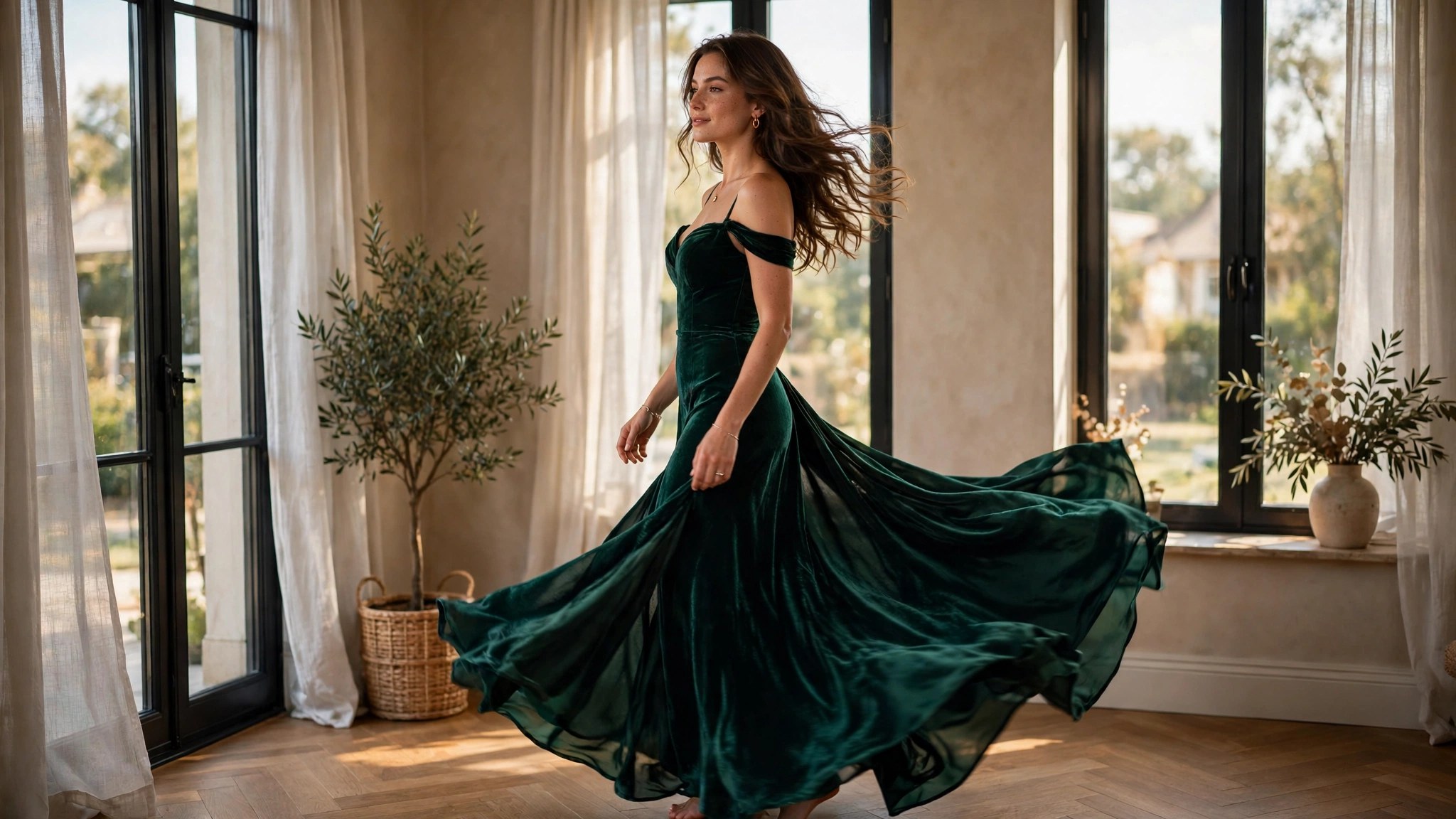
The single most useful test is the squint test. Shrink the still to thumbnail size and squint at it. If the pose still reads clearly, the frame will probably survive motion. If it turns into a blur of skin and furniture, no video template will save it.
Check the face, too. If the undress changed it — even slightly — the video will keep changing it, because the model re-renders the face in every frame. A still whose face already looks off will only get worse in motion.
3. What Breaks First When a Still Starts Moving
When a clip goes wrong, it usually goes wrong in the same order. Knowing the order tells you what to fix in the still instead of re-running the video and hoping.
Hands go first. Fingers are the hardest thing for a video model to keep stable across frames. A hand resting flat on a thigh survives; a hand half-raised, half-curled or holding something does not. If the still has a complicated hand, simplify the pose before you animate. This is the single highest-value fix in this whole article.
Skin texture goes second. Perfectly smooth skin looks fine as a photo, but in motion the model has to invent pores and shading on that surface, and it turns waxy within a second. Stills with visible texture — freckles, faint lines, uneven light — hold up better, because the model has something real to track.
Light goes third. If the still has two light sources from different directions, the video will pick one and then the other, and the body will seem to flicker. One window, one lamp, one direction. That is all the light a moving clip needs.
The background goes fourth. Straight lines are the enemy: door frames, shelves, window edges. A video model bends straight lines as the camera seems to move, and a bent door frame is the fastest tell that a clip is AI-made. Plain walls and soft curtains cost you nothing in the still and save the clip.
The face goes last, and it goes slowly. Expression drift is subtle — a mouth that opens a fraction too far, eyes that lose their direction. It rarely ruins a 5-second clip, but it is usually visible by second six or seven of an 8-second one. That is one reason to prefer the shorter length unless the motion genuinely needs the extra time.
4. Five Seconds or Eight? Choosing the Length
The video templates here come in two lengths: 5 seconds at 351 credits and 8 seconds at 561 クレジット (720p). The choice is about how much motion your scene actually contains.
Five seconds is right for almost everything an undress still can do: a slow turn of the head, a shift of weight, a hand moving to hair, a slow push-in on a static pose. The motion is small, the model has less to invent, and the clip ends before drift has time to accumulate. Most first attempts should be 5 秒.
Eight seconds is for scenes with a real arc: a full turn, a walk across a room, a pose that changes from one shape to another. If your still is a standing pose and you want the figure to turn and sit, that needs the extra three seconds. But the extra time is also extra risk — three more seconds of hands, faces and backgrounds being redrawn. Only pay for 8 seconds when you can describe the motion in two distinct beats. If you cannot, the motion is a 5-second motion.
A practical rule: animate the same still at 5 seconds first. If the result is clean and you can see exactly what the extra three seconds would add, run the 8-second version. If the 5-second version already drifts, the 8-second version will drift more.
5. A Repeatable Workflow: Still to Clip
Here is the workflow that wastes the fewest credits. It has five steps, and the first three cost nothing.
Step 1: Generate the still, then wait. Make the undress, then look at it for a full minute instead of rushing to the video step. The flaws you notice on a slow look — a bent finger, a doubled shadow, a face that is slightly off — are the flaws the video will amplify, because the still is the first frame of the clip. Fix them now, while the fix is a 21-credit still.
Step 2: Run the five checks. Anatomy, 光, background, ポーズ, edges — the table in section 2. Two failures means regenerate the still. One failure means note it and accept it, because you will see it again in the clip.
Step 3: Pick the length. One motion beat means 5 秒. Two beats means 8 秒. If you are unsure, it is 5 秒.
Step 4: Generate the clip once. Use the still as the first frame and let the template do its work. Do not re-run the same still hoping for a luckier draw; the model will make the same class of mistake, because the mistake is in the frame, not in the draw.
Step 5: Check the first and last frames. Watch the clip once, then freeze the first frame and the last frame. If the last frame still looks like the same person in the same room, the clip worked. If the last frame has drifted — different face, different background, extra fingers — the still was the problem, and the next attempt starts at step 1, not step 4.

6. What It Costs
価格確認済み 13 11月 2026. Only the numbers below are used in this article; they are the platform’s published credit prices.
An undress still costs 21 クレジット. A 5-second video template costs 351 クレジット. An 8-second video template costs 561 クレジット. At the $19.99 パック ($0.020 per credit) that is $0.42 for the still, $7.02 for a 5-second clip and $11.22 for an 8-second clip. At the $59.99 パック ($0.012 per credit) the same three cost $0.25, $4.21 そして $6.73.
The honest total for one finished clip is the still plus the video: 372 credits for a 5-second result ($7.44 / $4.46) or 582 credits for an 8-second result ($11.64 / $6.98). Most people burn more than that, because the real cost is the retries. Two failed 5-second attempts plus one good one is 1,074 クレジット ($21.48 / $12.89) — and nearly all of that waste is avoidable by fixing the still before the first video run. The five checks in section 2 are free. Use them.
The packs themselves: $19.99 buys 1,000 credits and $59.99 buys 5,000 クレジット, both one-time purchases with instant credit. The annual packs are $119.88 そして $359.88, paid once and delivered monthly across 12 months. There is no auto-renewal wording on these packs, and no $199 pack exists yet.
7. Honest Limitations
Animating a still has hard limits, and no workflow removes them. First, the model cannot invent a body it cannot see. If the still hides a hip behind furniture or crops a shoulder out of frame, the video will guess what is there, and the guess will be visible. 2番目, fast motion fails. A still animated into a run, a jump or a sharp turn will smear; these templates are built for slow, small movement. 3番目, the face will drift on longer clips. Eight seconds is the maximum on offer, and even there the last two seconds are the least reliable part of the result.
There is also a limit that has nothing to do with the model: a moving clip is more convincing than a still, which means its mistakes are more noticeable, not less. A warped finger in a photo is a flaw you can ignore. A warped finger that moves is the first thing anyone sees.
8. Who This Is For
This workflow is for you if you already have an undress still you like and you want a short, believable clip from it — a slow turn, a weight shift, a moment that reads as alive rather than posed. It is also for you if you are willing to regenerate the still two or three times to get a frame that can move. The patience is the price; the video credits are just the receipt.
Skip it if you want fast action, a full scene change, or a clip longer than eight seconds — none of those are on offer here. Skip it, too, if your still already has visible flaws: animation does not fix a still, it publishes its flaws in motion.
9. Consent and Safety
Only animate undress results of yourself or of fictional adults you created. Never animate an undress of a real person who did not agree to it, and never animate a photo of a minor — real or realistic — under any circumstances. A clip is harder to take back than a still: it reads as more real, it spreads faster, and it is harder to explain away. The same consent rule that governs the undress governs the animation, because the animation is the same image, moving.
Keep your source photos private. The platform deletes uploads 24 hours after upload once all referencing tasks have finished, but a clip you download and share is yours to control — and yours to answer for.
10. よくある質問
Can I animate any undress result?
Technically yes, but practically no. A still with clean anatomy, one light direction and a plain background animates well. A still with crossed limbs, busy backgrounds or a changed face will drift, warp or smear in motion. Run the five checks in section 2 まず; if the still fails two or more, regenerate it before you spend video credits.
How long should the clip be — 5 or 8 秒?
Five seconds for one motion beat: a head turn, a weight shift, a slow push-in. Eight seconds only when the motion has two distinct beats, such as a full turn followed by sitting down. When in doubt, pick 5 seconds — it costs 351 credits instead of 561 and it ends before drift has time to build up.
Why does the body warp when the clip starts moving?
Because the model is guessing. It sees one still frame and invents every frame after it. Hands, skin texture and background lines are the hardest things to keep consistent, so they warp first. The fix is almost always in the still: simplify the pose, flatten the light, clear the background, then run the video again.
Does animating cost the same as a fresh video template?
はい. Animating a still uses the same video templates at the same prices: 351 credits for 5 秒, 561 〜のために 8 秒, on top of the 21 credits the still already cost. There is no discount for supplying your own first frame — you are paying for the motion, not the frame.
Can I fix a bad frame after the video is made?
Not inside the clip. There is no frame-by-frame editing step in this workflow. If the last frame has drifted, the fix is a better still, not a better video run. Freeze the first and last frames of every clip you make; if the last frame no longer looks like the same person in the same room, start over from the still.
Is it okay to animate an undress of a photo someone else took?
Only with that person’s clear agreement, and only if everyone in the photo is an adult. Consent for the undress and consent for the animation are the same question, because the result is the same image set in motion. If you are unsure whether you have consent, do not animate it.
続きを読む:
- Change the Room, Not the Body: Editing the Background After an Undress
- Light Is the Input: How Indoor, Outdoor & Flash Photos Change Your Undress Result
- AI Undress as an Art Tool: Anatomy Studies, 光 & Form
Undress results start on the AI脱衣 page; video templates live on the AIポルノ動画ジェネレーター page. Face work, if you need it, is on the AI Image Face Swap page.

コメントを残す